Once an admin user is logged in, he/she will be automatically redirected to the Users page. On this page, the user will see a listing of all the current, active users with his/her “Email Addresses”, “Roles” and “Companies”. To create a new user, select [+ Create].
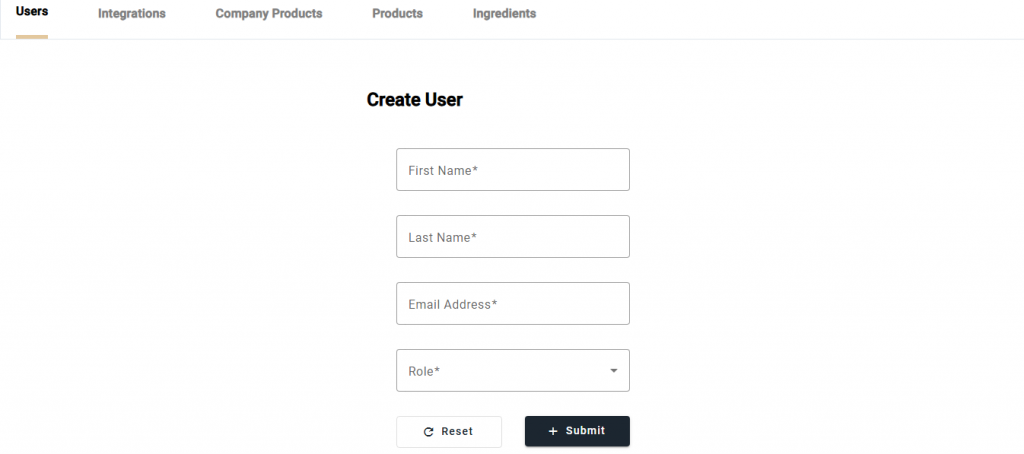
On the Create User page, enter the first name, last name, email address and role for the new user and select [+ Submit]. The new user will then be successfully created.