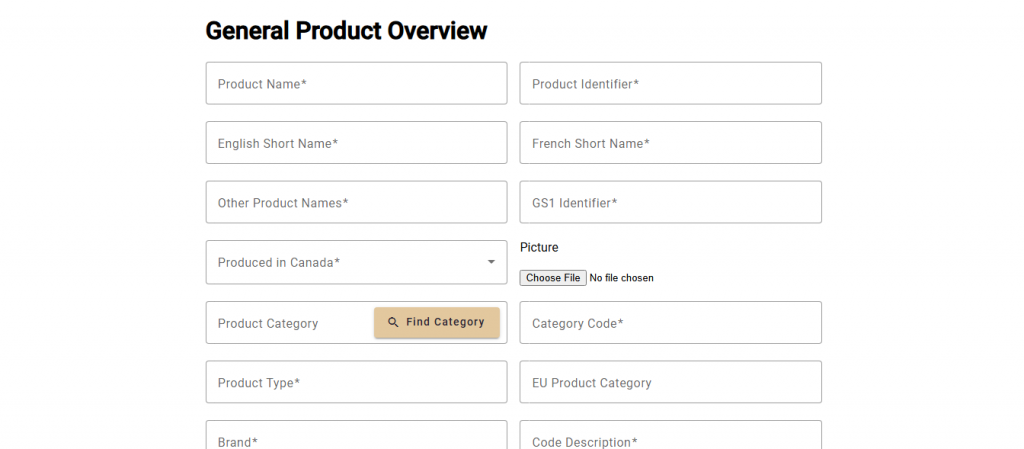
To create a new product, navigate to the Company Products page from the navbar and select [+ Create]. On the General Product Overview page, there are several data input fields, including a product picture and file upload fields. Enter all inputs, upload a picture and files for the new product and then select [+ Next]. Example files that may be uploaded are Safety Data Sheet and Recycling Instructions PDFs.