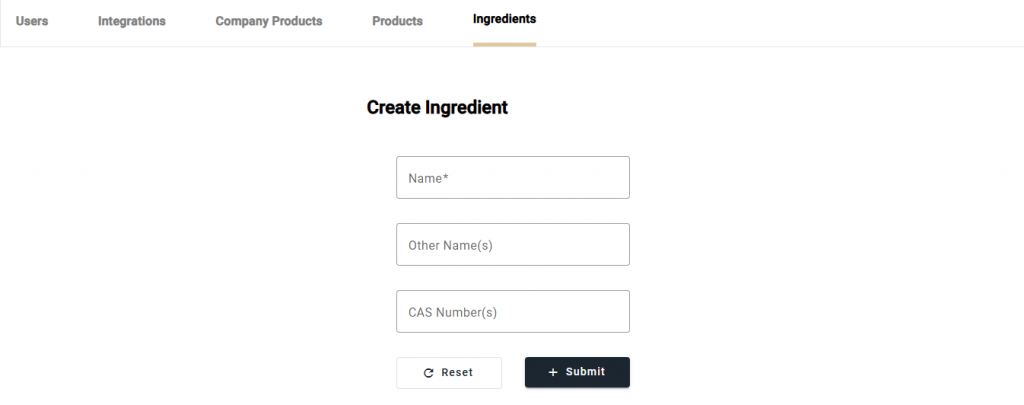
Before the user can add an ingredient to a product, EcoChem must know about the ingredient.
Navigate to the Ingredients page from the navbar. To create a new ingredient, select [+ Create]. On the Create Ingredient page, enter the information for the new ingredient and then select [+ Submit]. The new ingredient will then be successfully created.