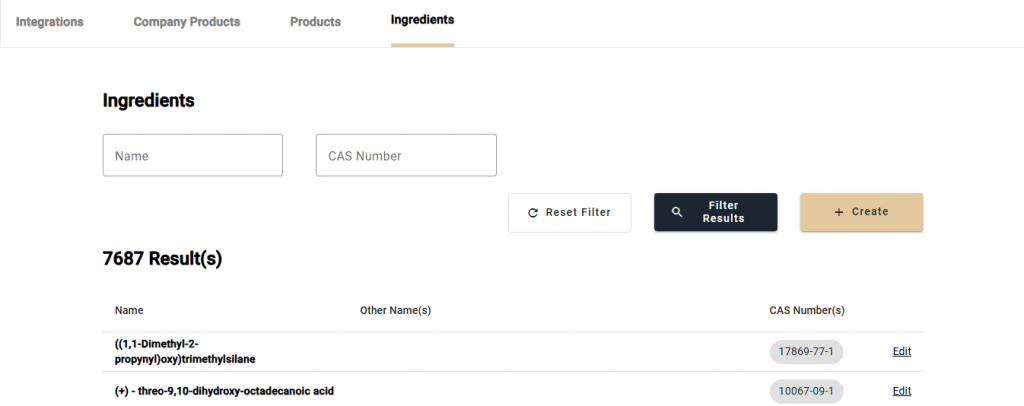
Navigate to the Ingredients page from the navbar. On this page, there is a listing of all the ingredients in the EcoChem database. Edit a specific ingredient by selecting the [Edit] button for a particular ingredient. To search for a specific ingredient, you will need to enter the “Name” and “CAS Number” for that particular ingredient. You can then select [Filter Results]. The ingredient being searched will then appear in the list.