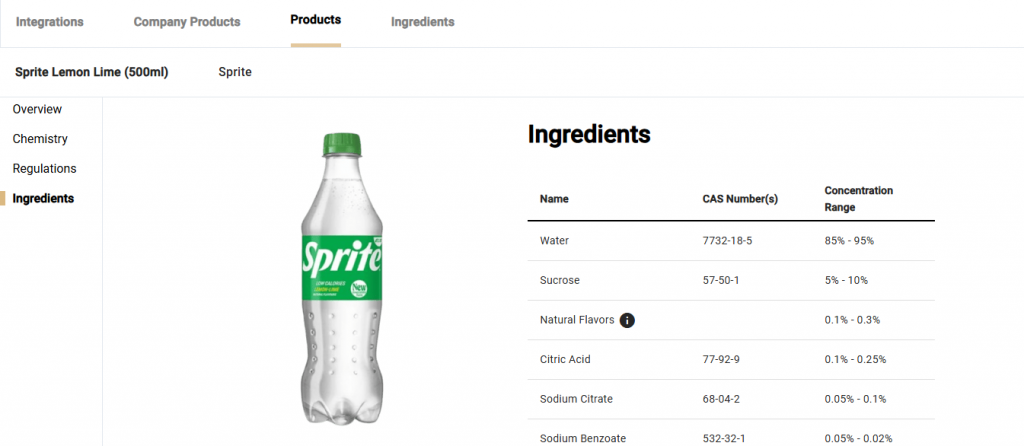
To see the ingredients for a product at a company, navigate to the Company Products page and select [View] for a particular product then select “Ingredients” from the sidebar. The product Ingredients page will then appear where the user will be able to see the different ingredients in a product, their CAS numbers, concentrations ranges and if they were optionally disclosed or not, as well as a “May Contain” section.